
Less setup. More game.
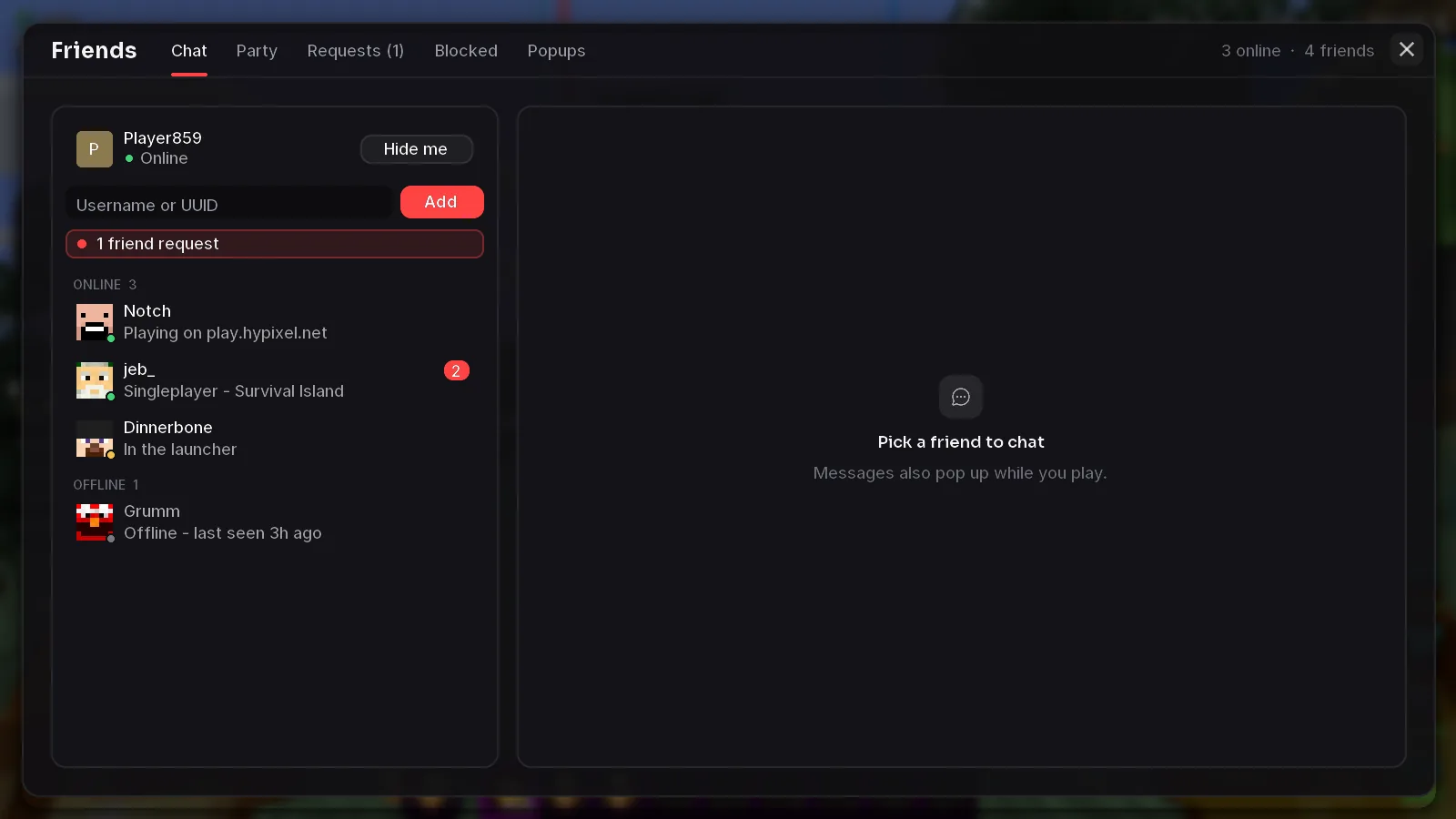
Profiles, mods, servers, friends and your cosmetics in one place, then one click and you're in. 119 free modules and the performance mods come built in.
Click through
the real app.
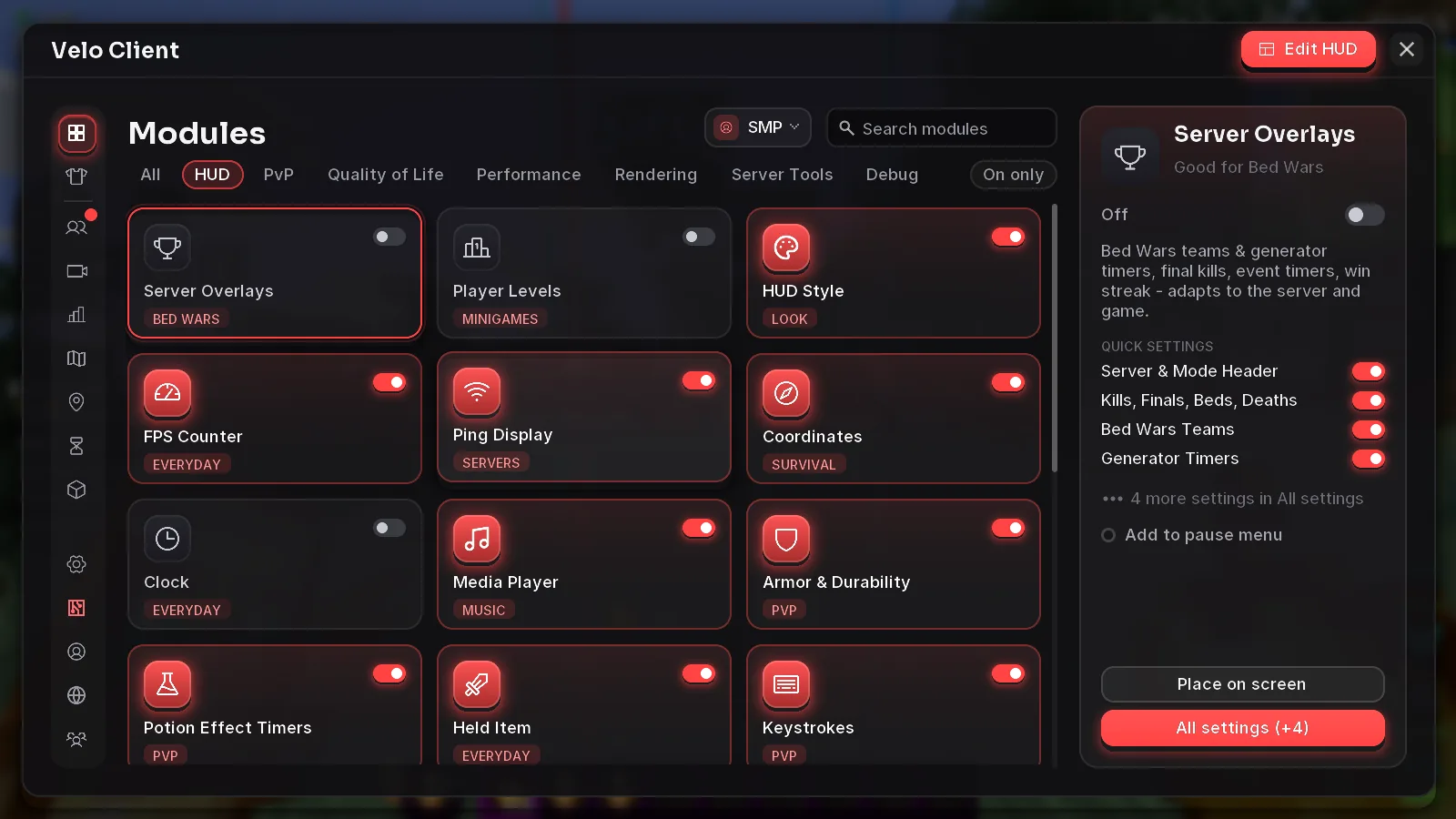
Every picture on this page is a real capture of Den Client 1.3.2. Switch pages like you would in the launcher, and tap the numbered points on Home.
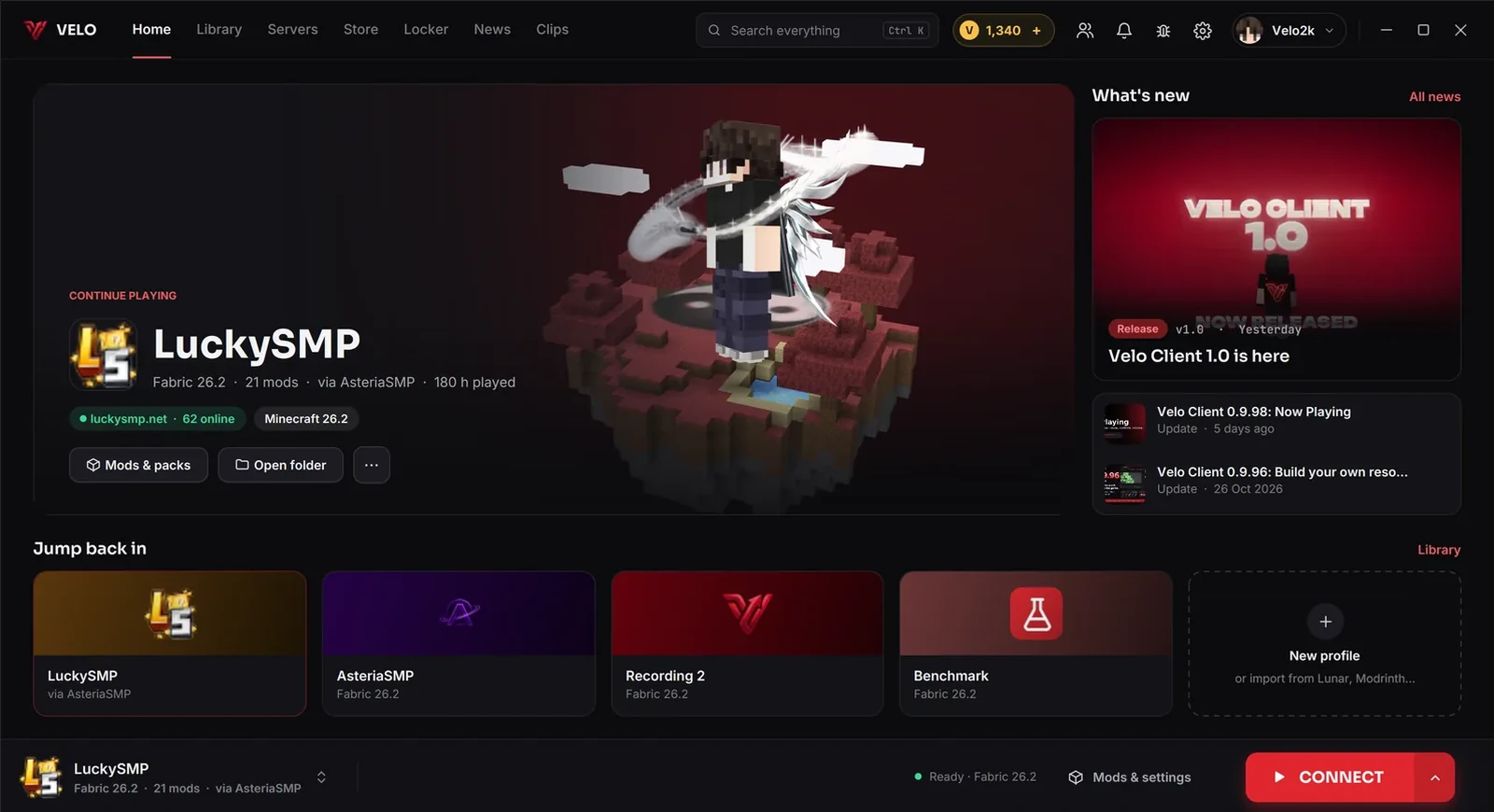
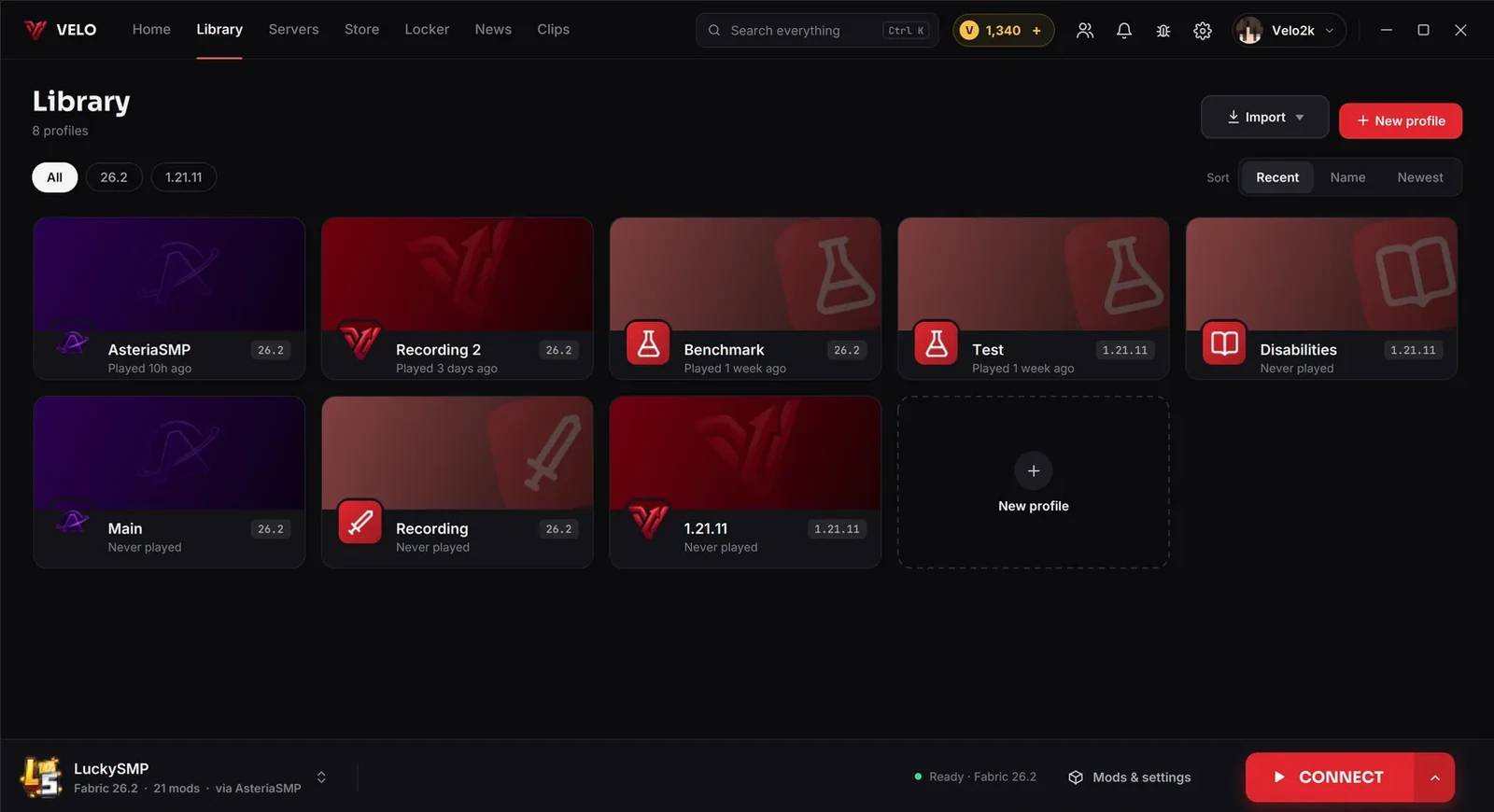
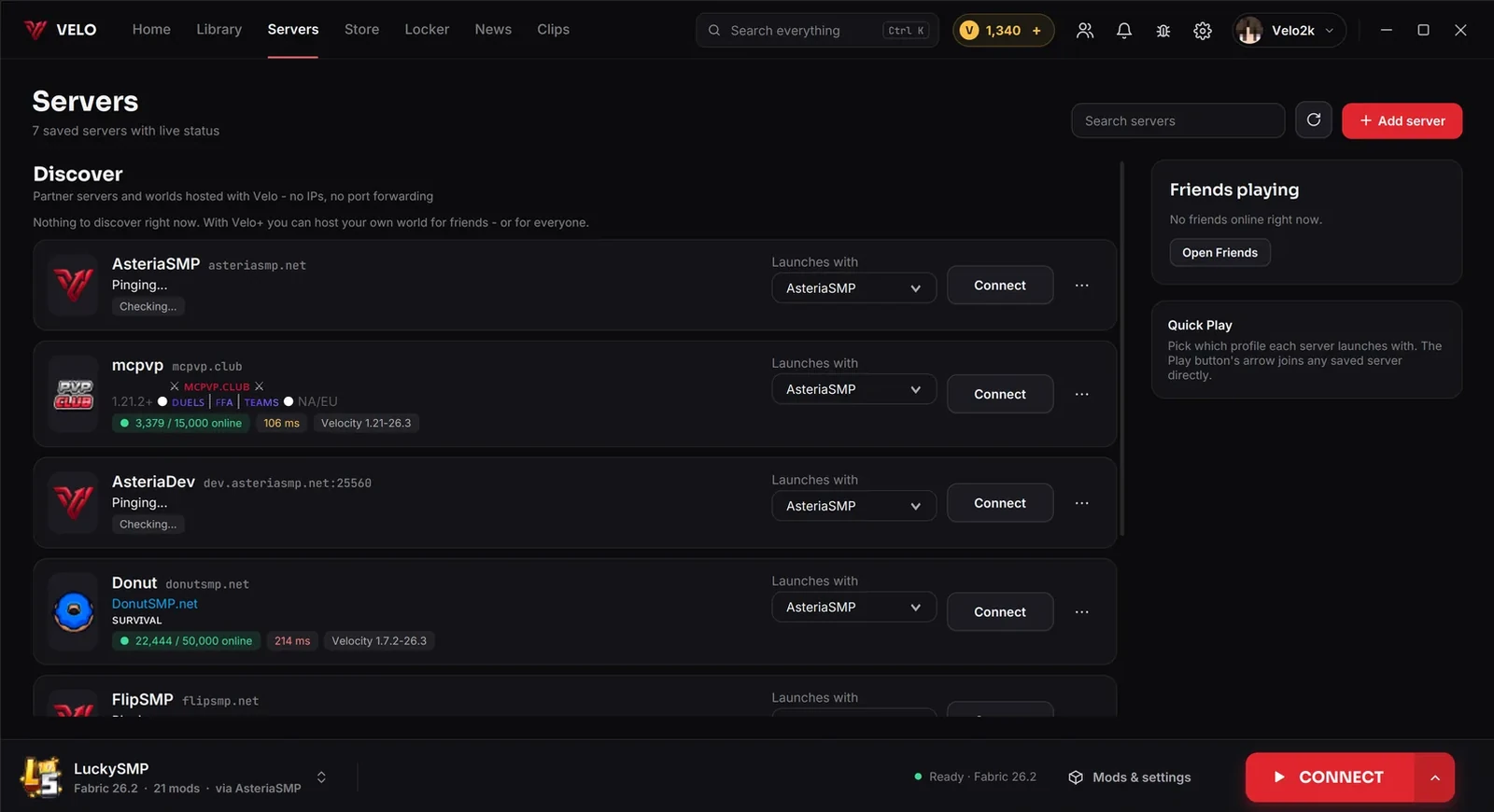
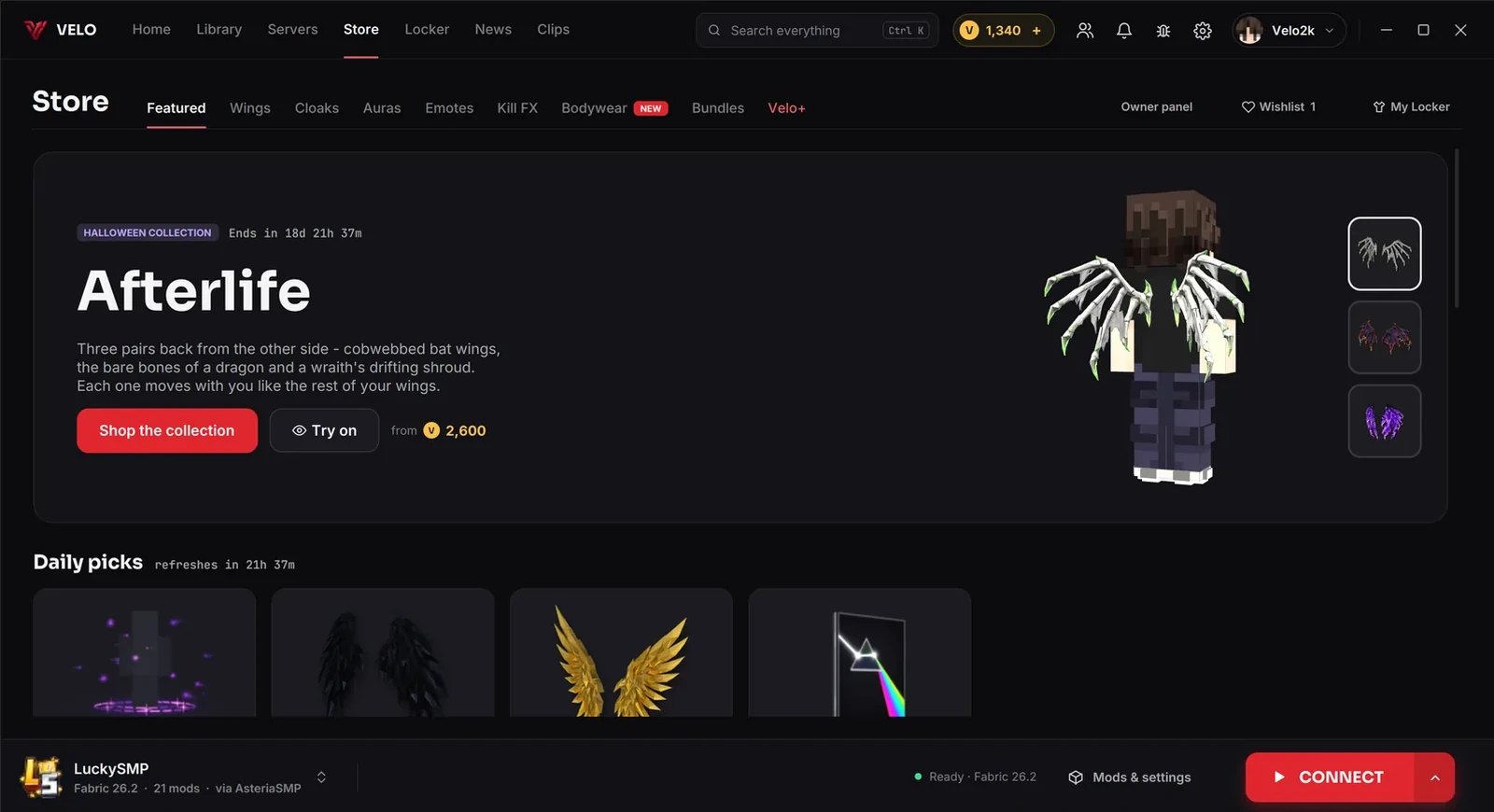
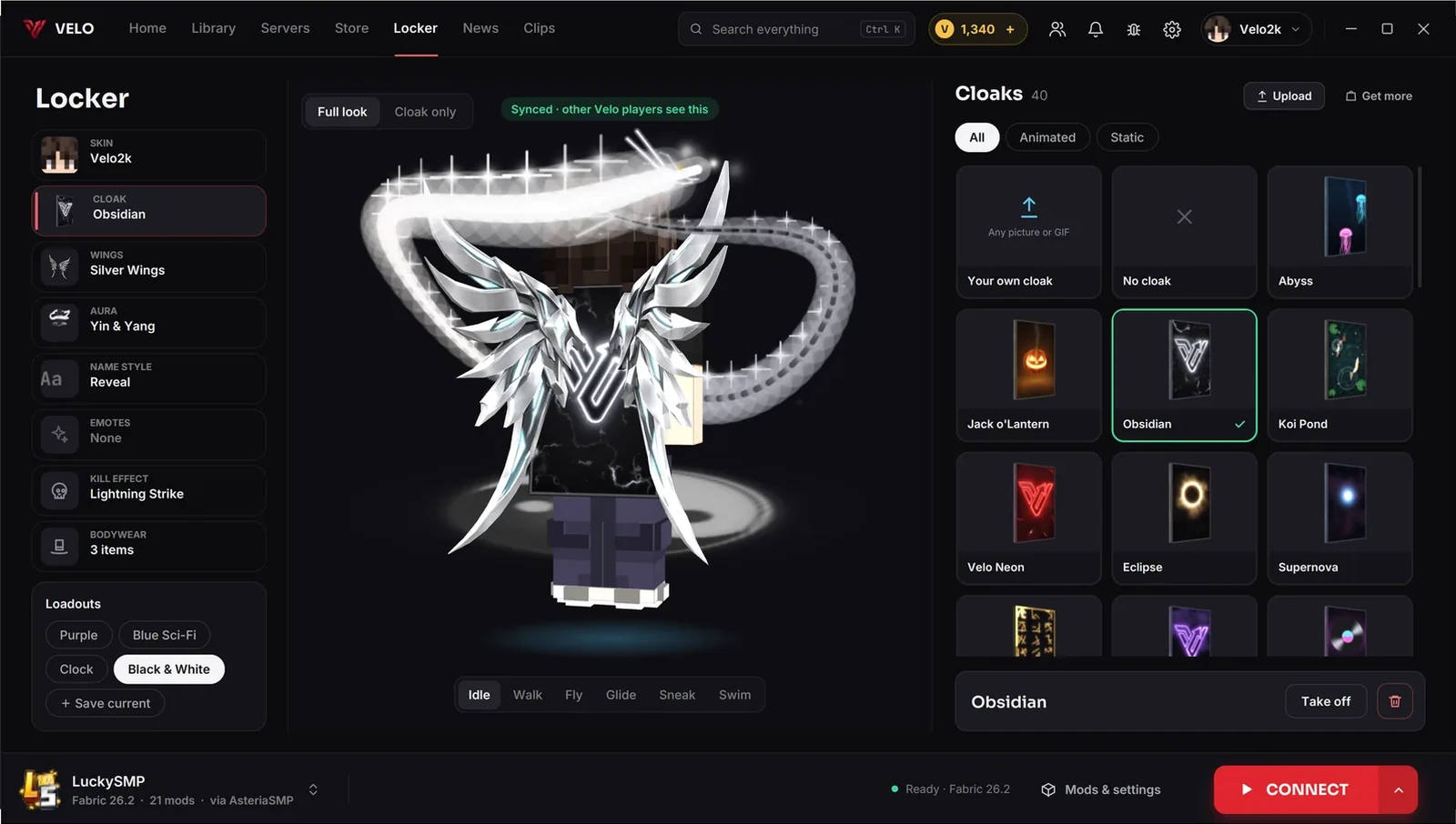
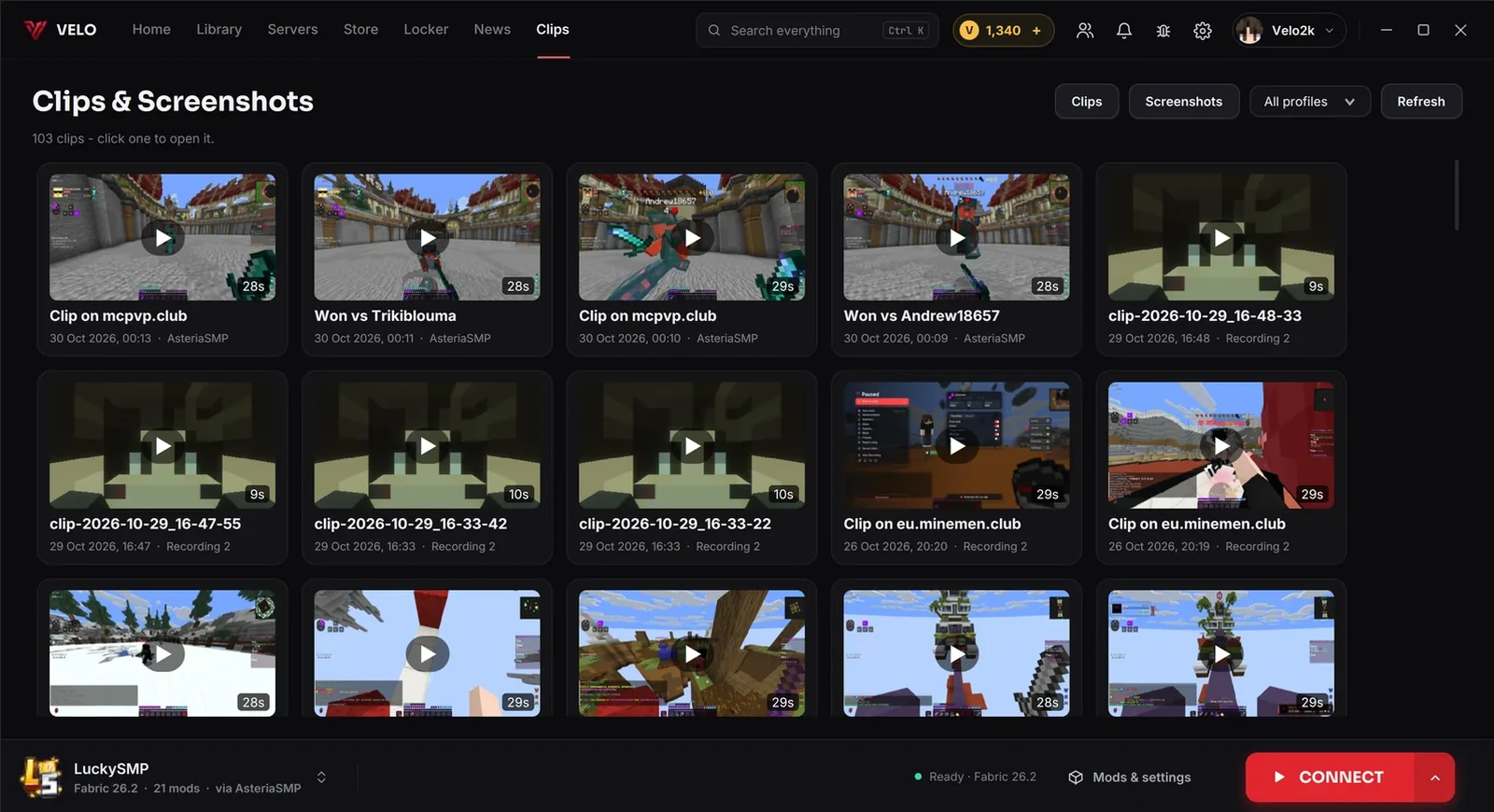
Your last server with its mods and hours played up front. Connect starts the game straight onto it. Tap the numbered points.
Your game,
your look.
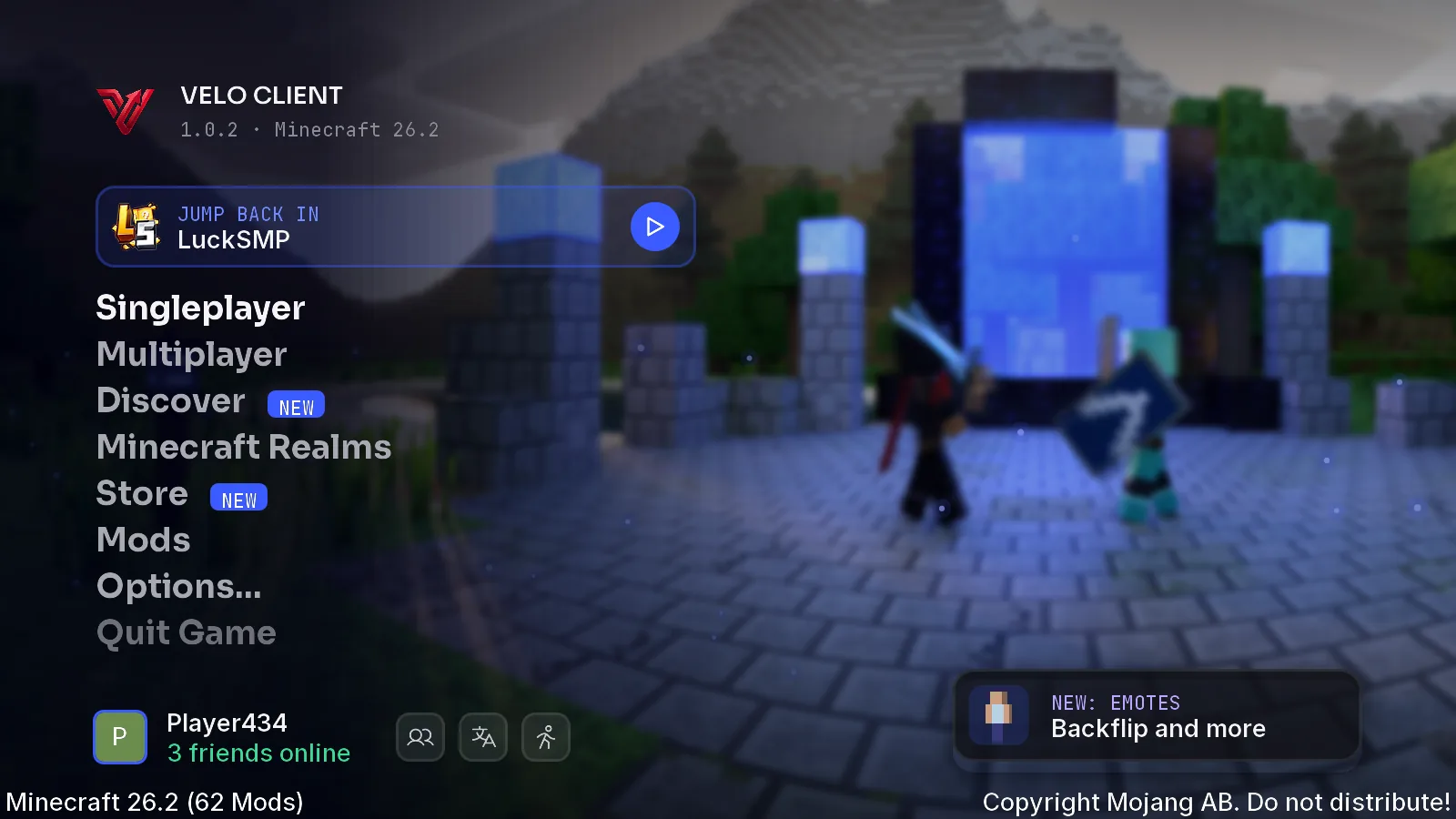
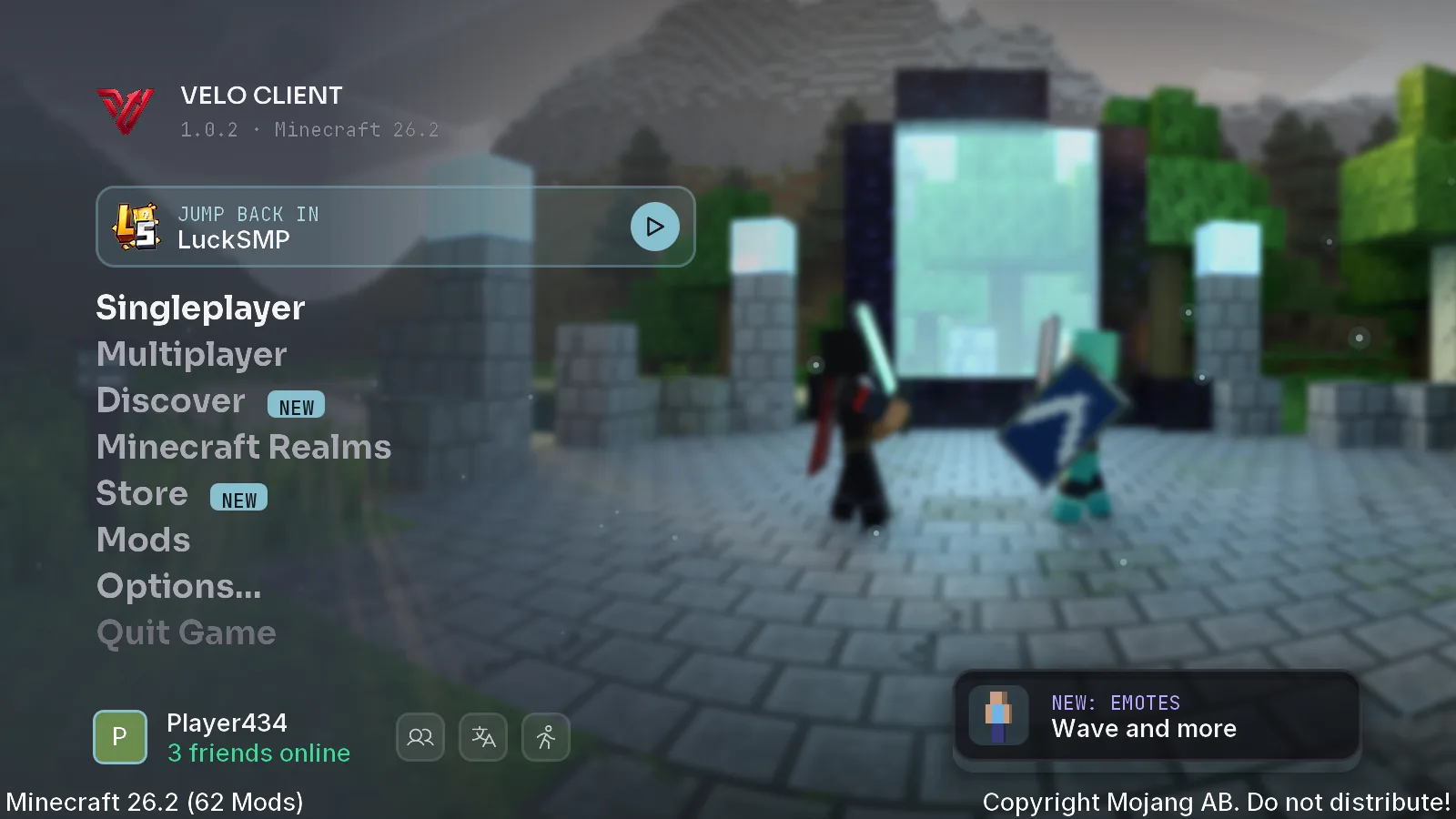
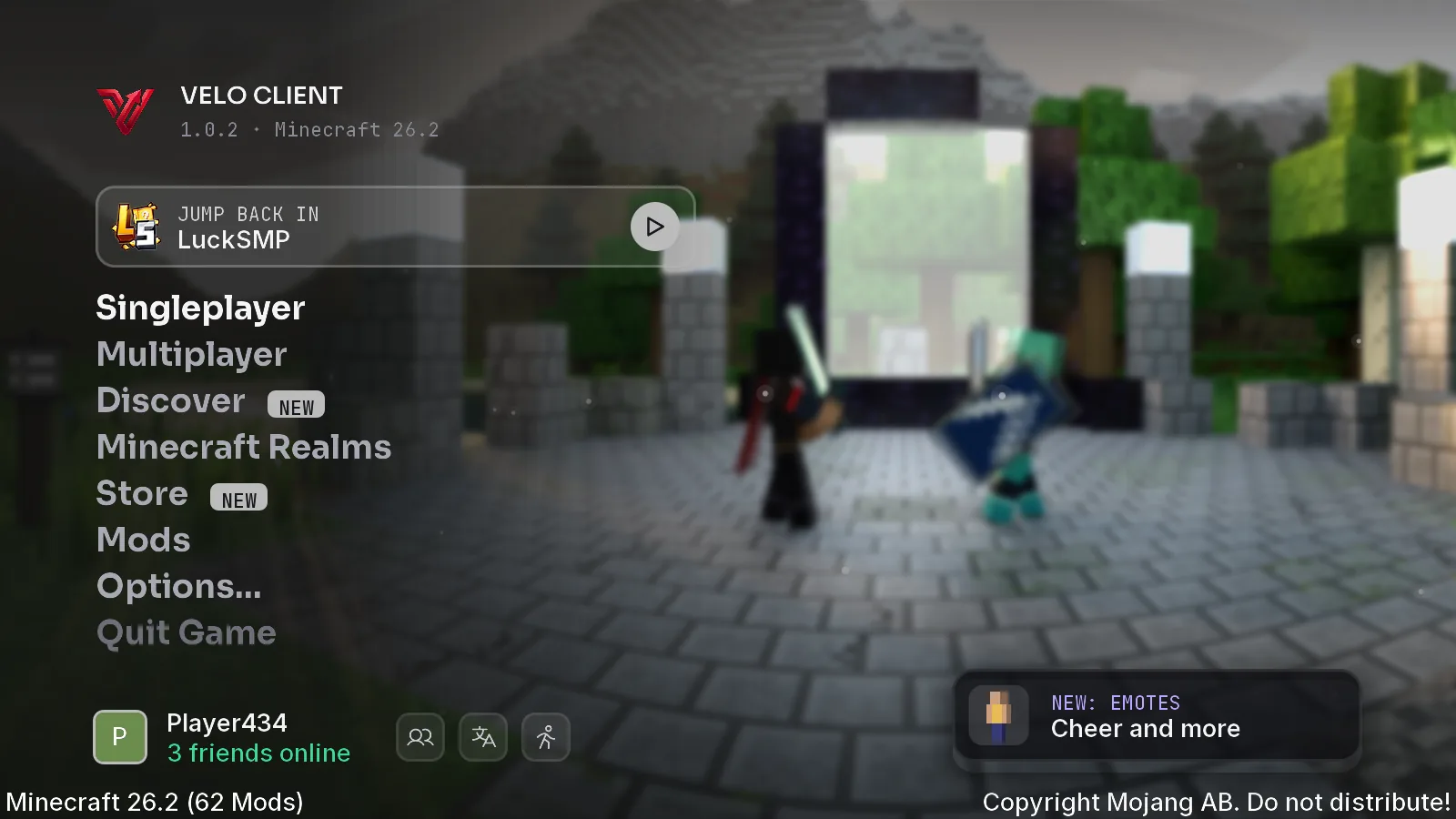
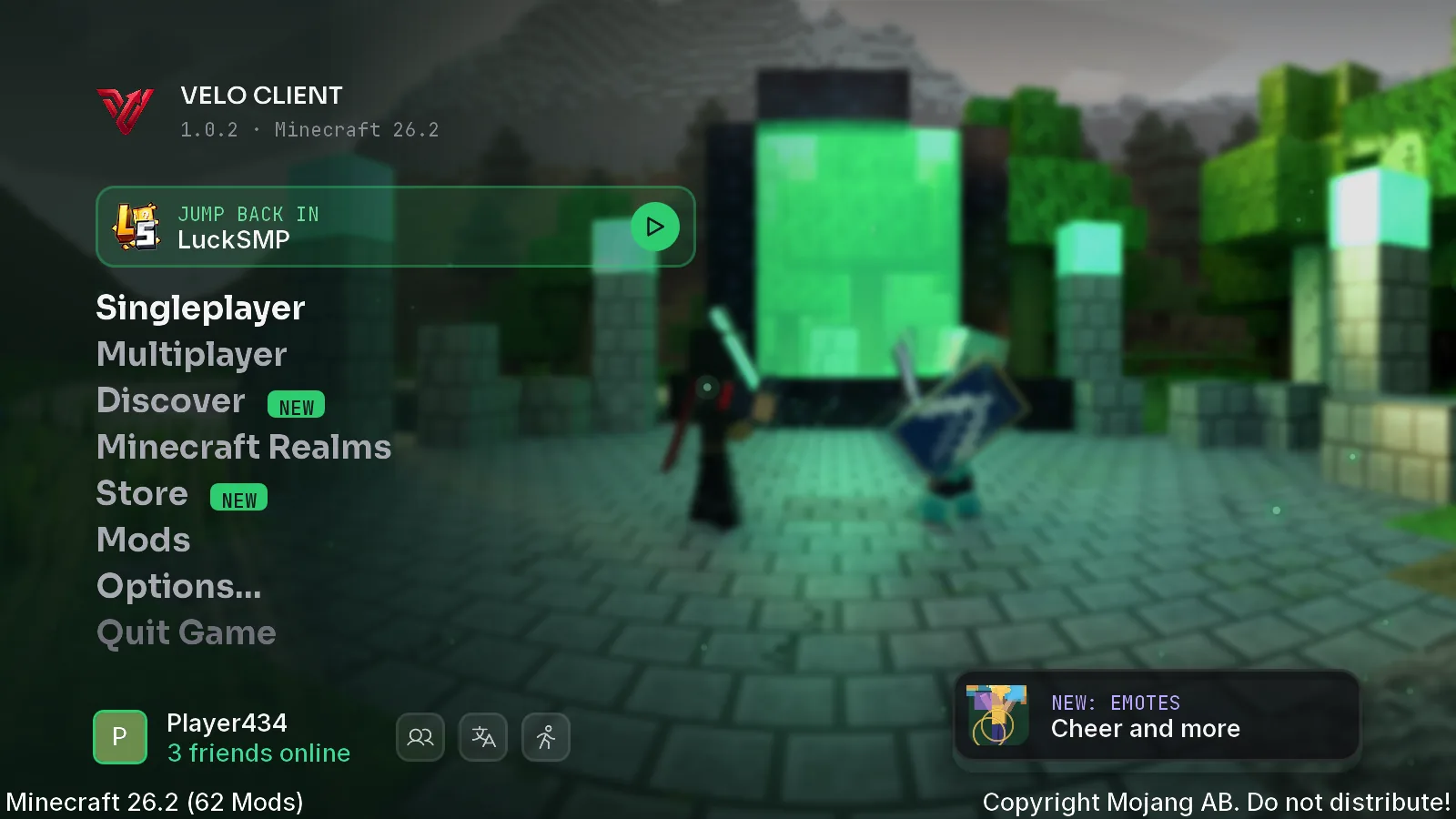
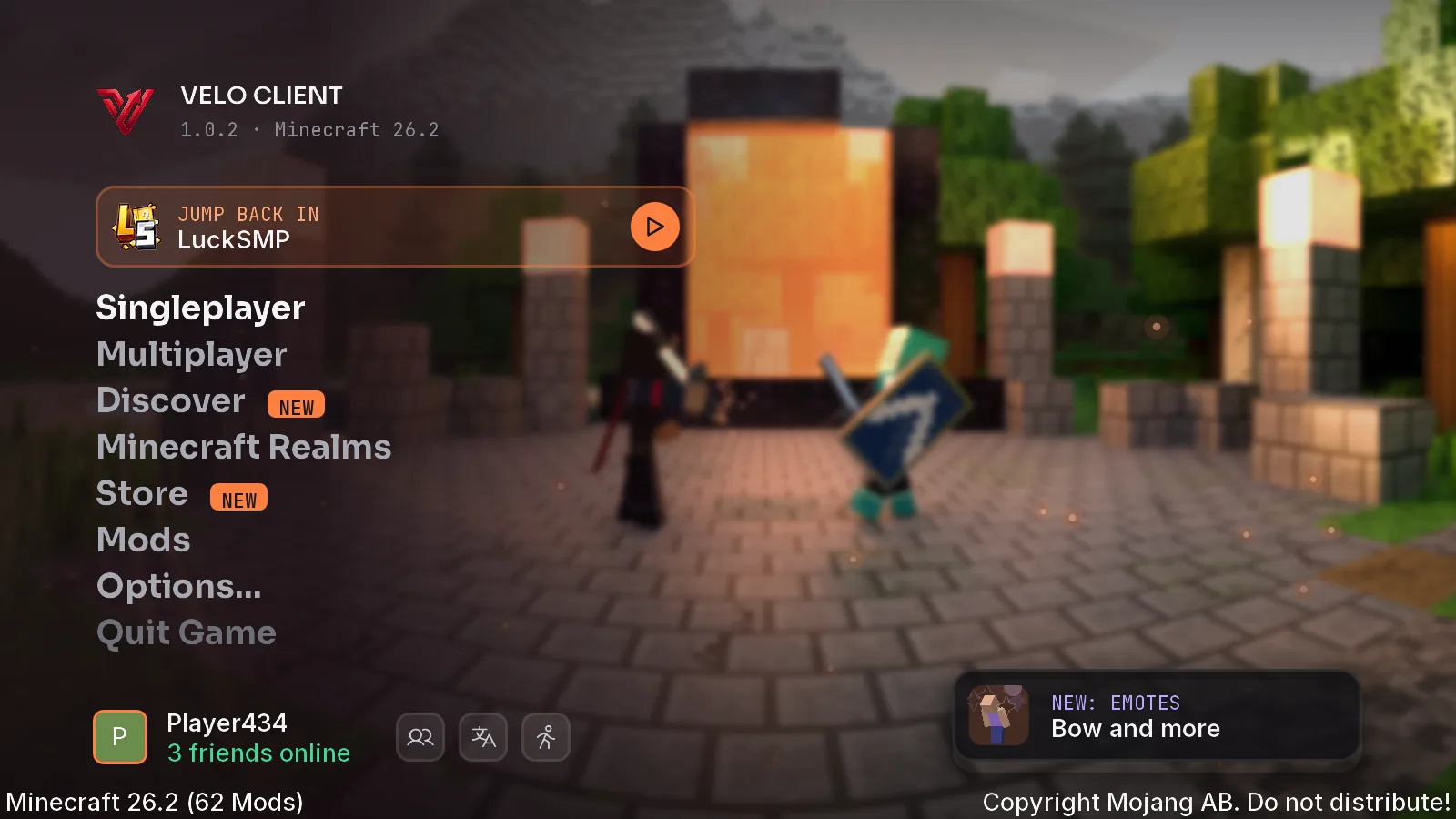
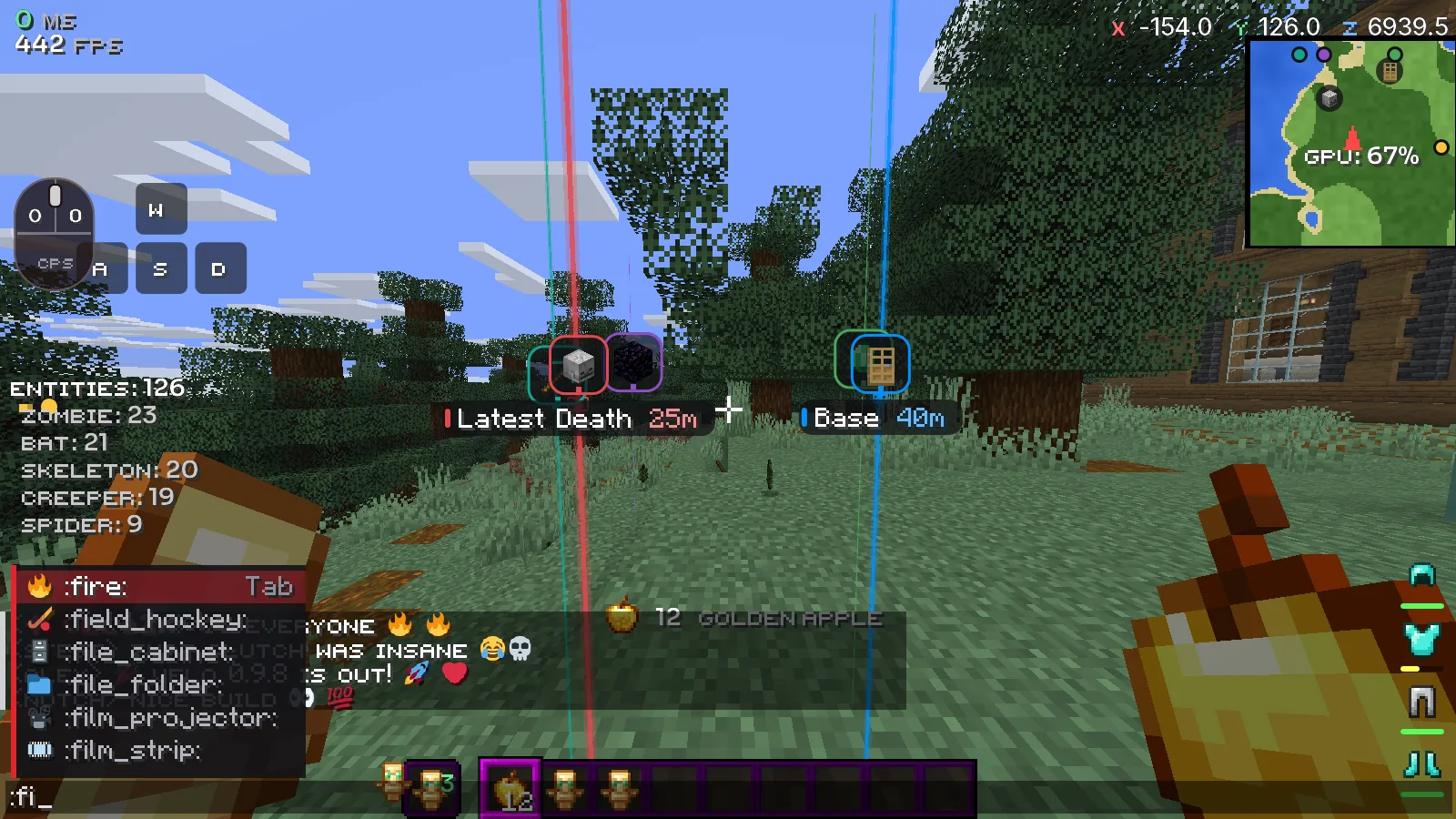
Pick a menu theme and see the title screen exactly as it opens. Everything you need in game sits one key away.

Seen by everyone
on Den.
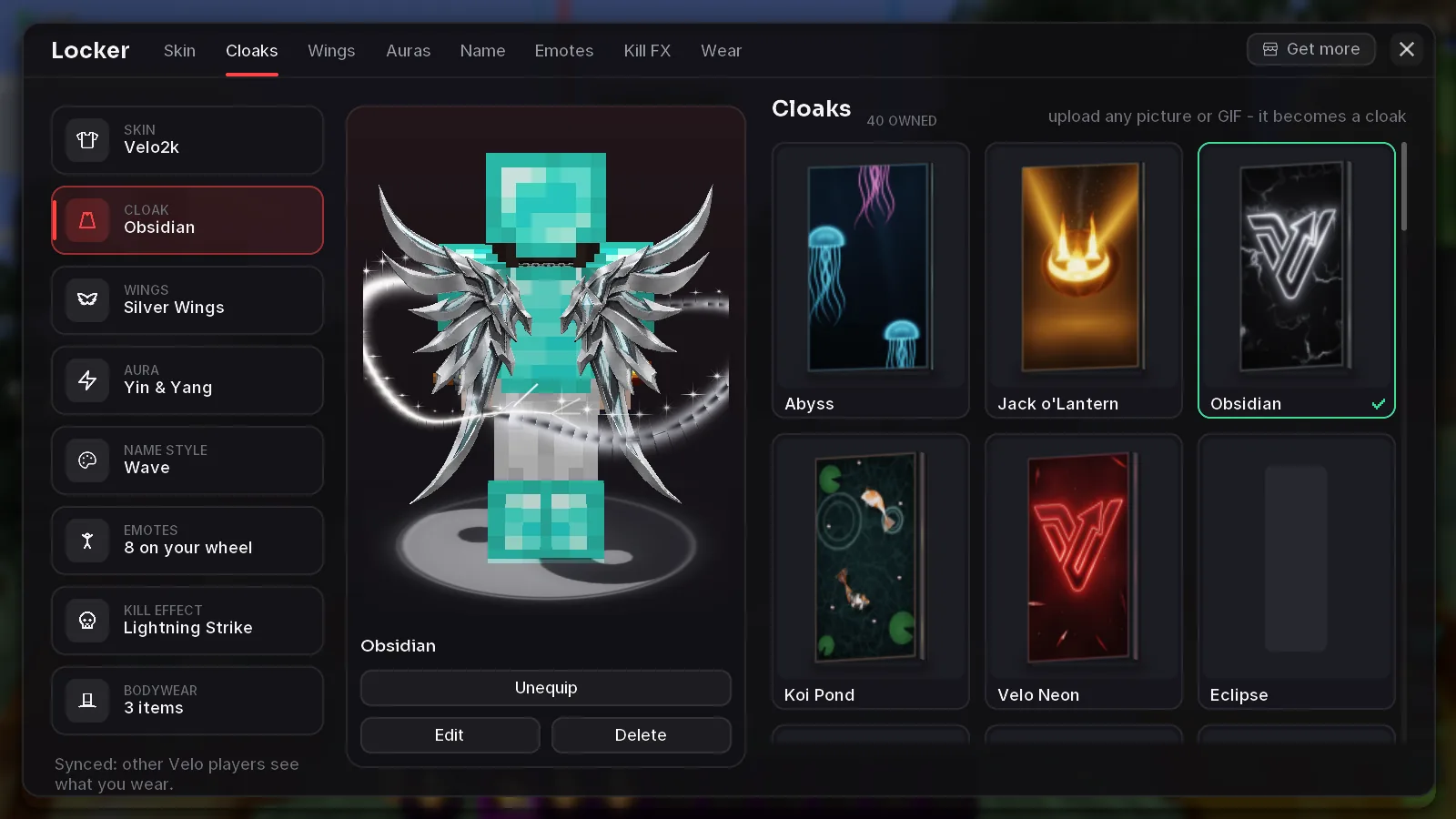
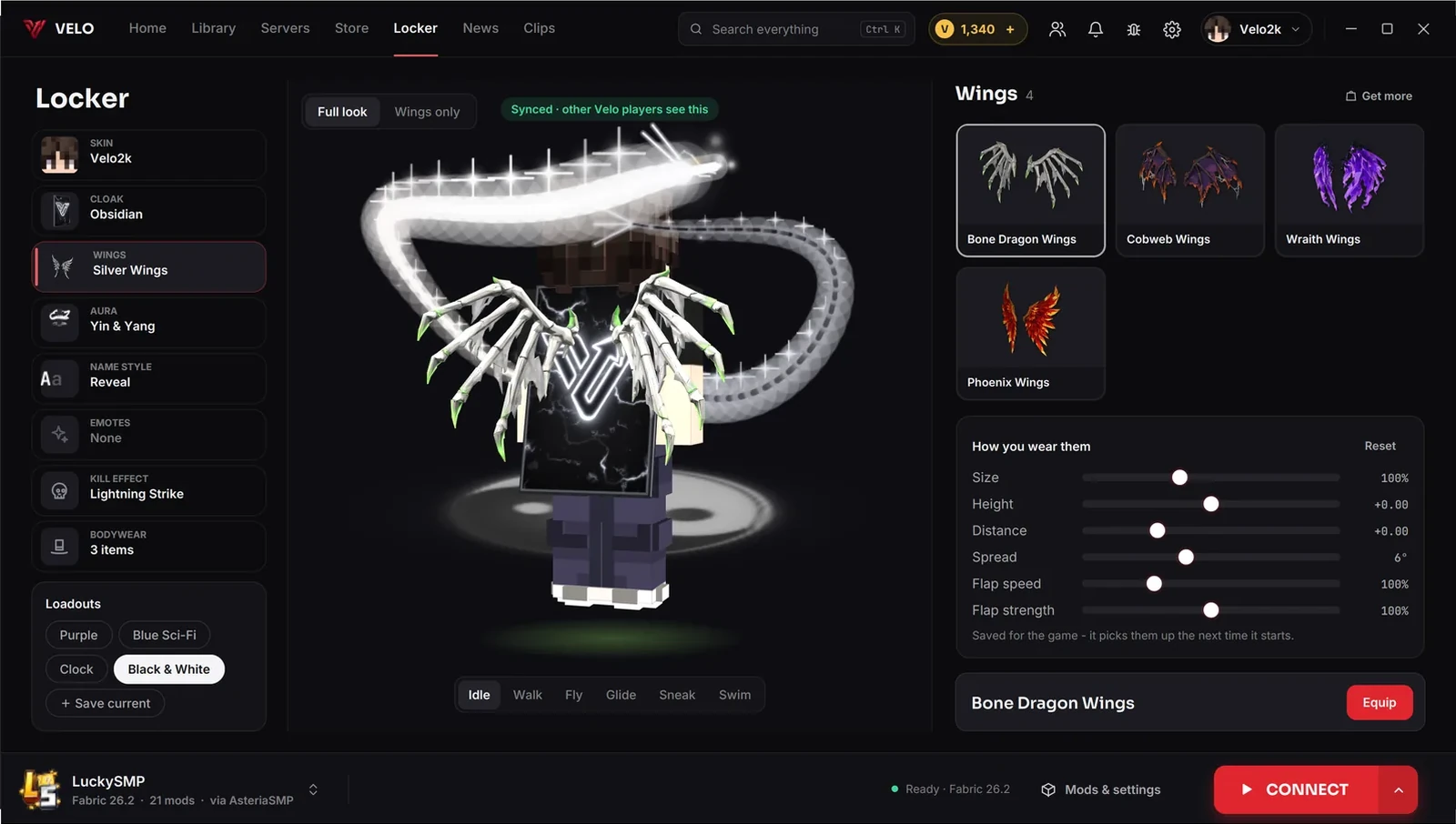
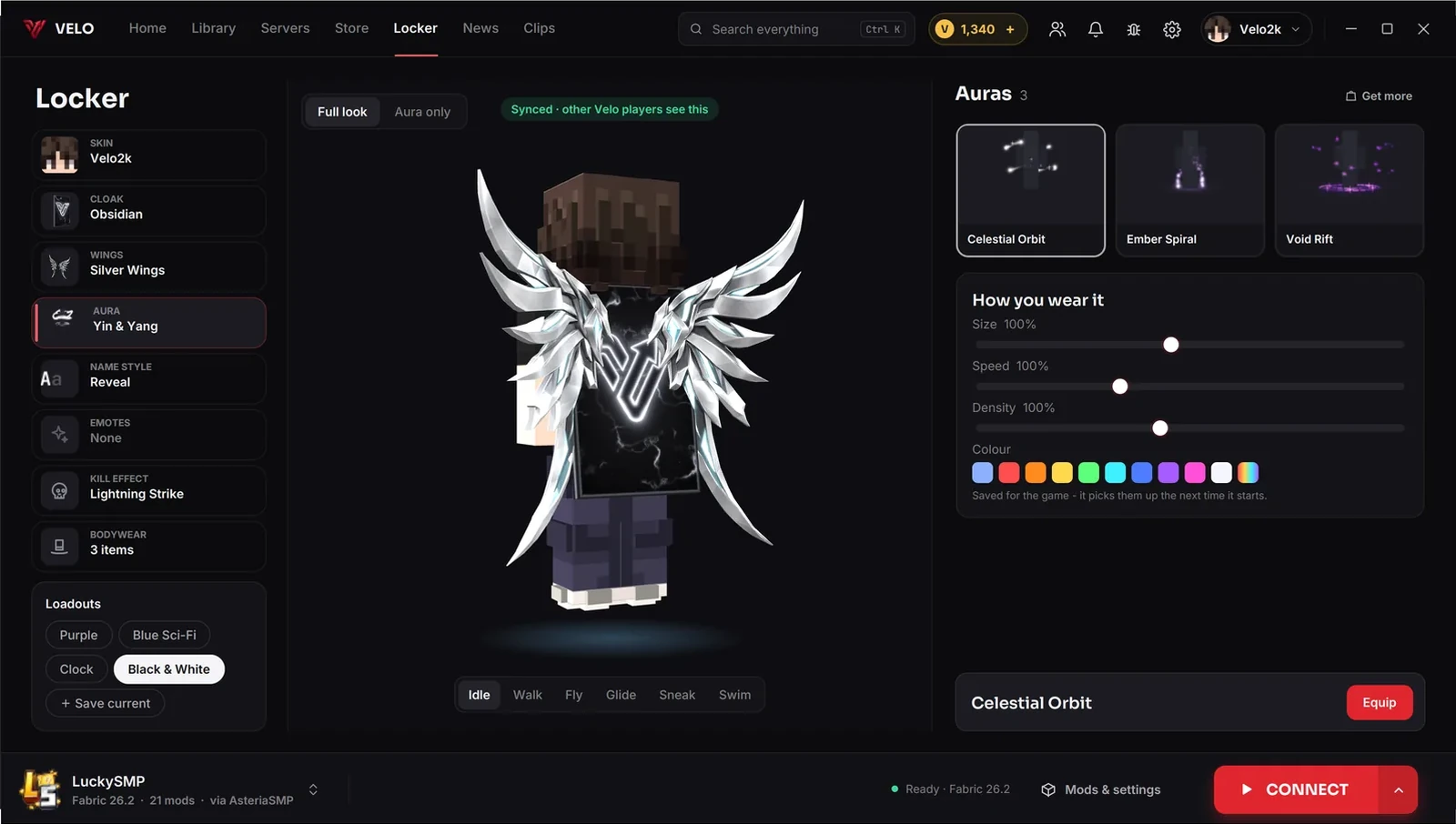
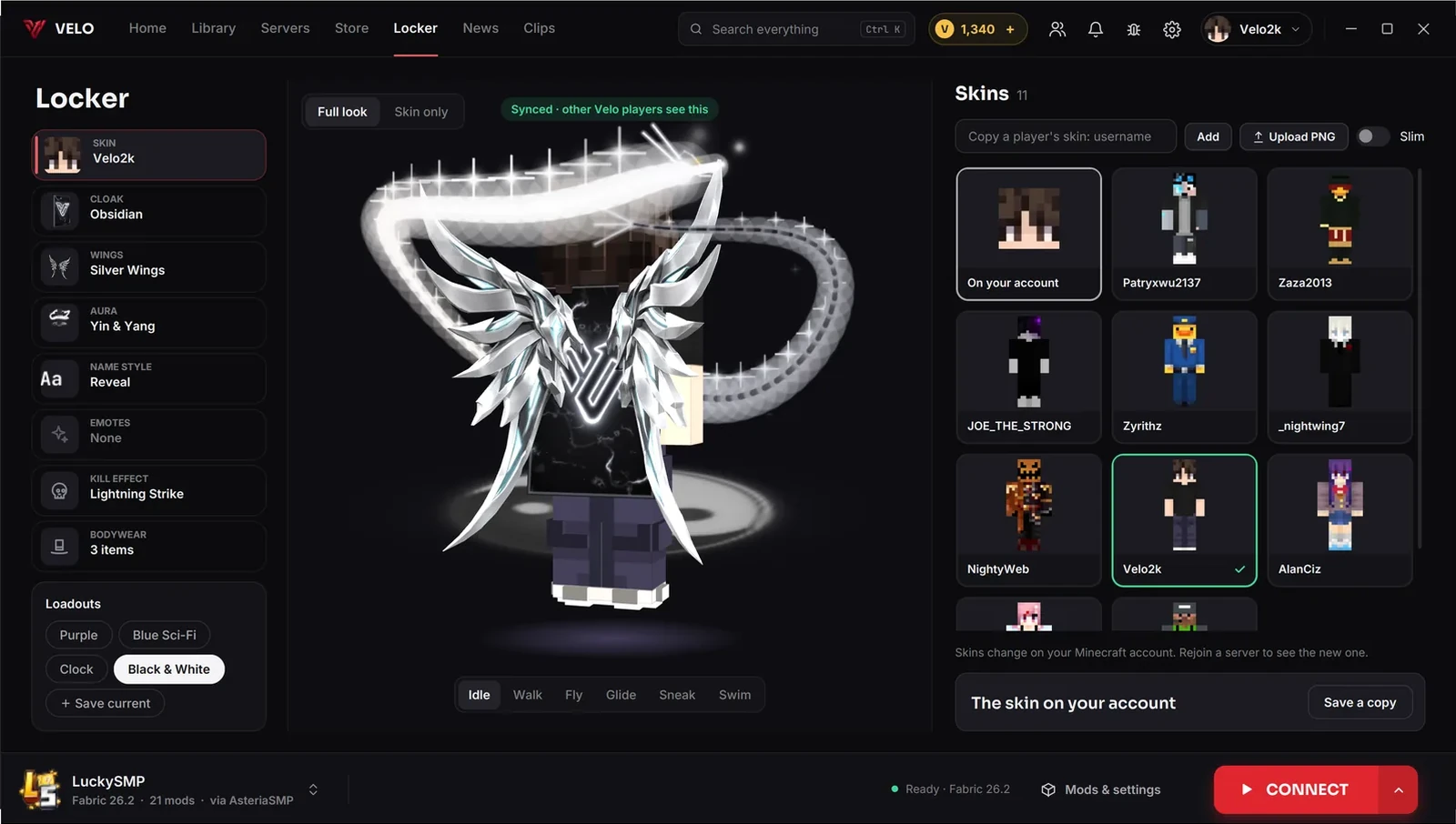
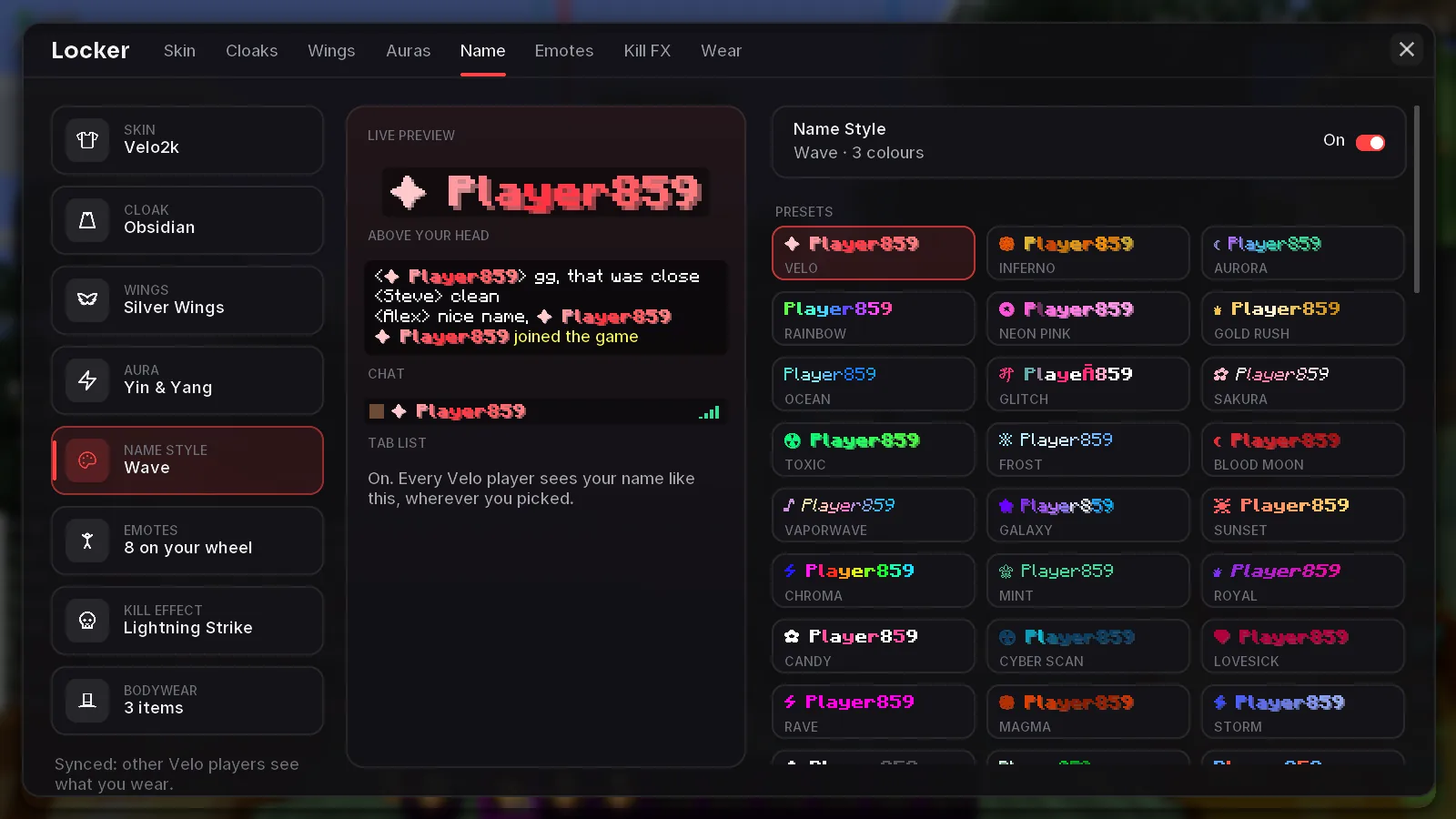
Cloaks with cloth physics, wings, auras, emotes and bodywear. Equip them in the launcher or in game and every Den player around you sees them.
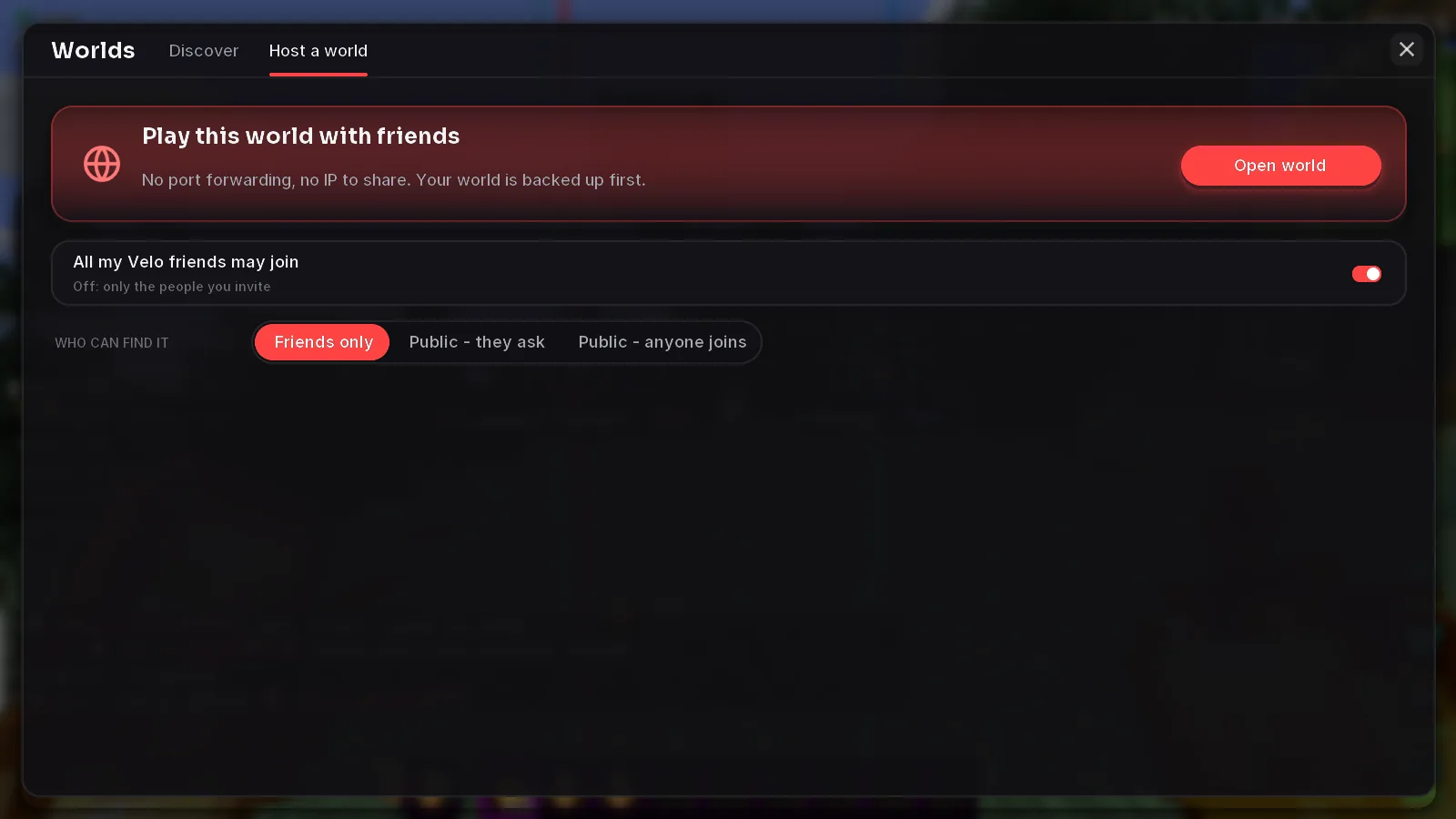
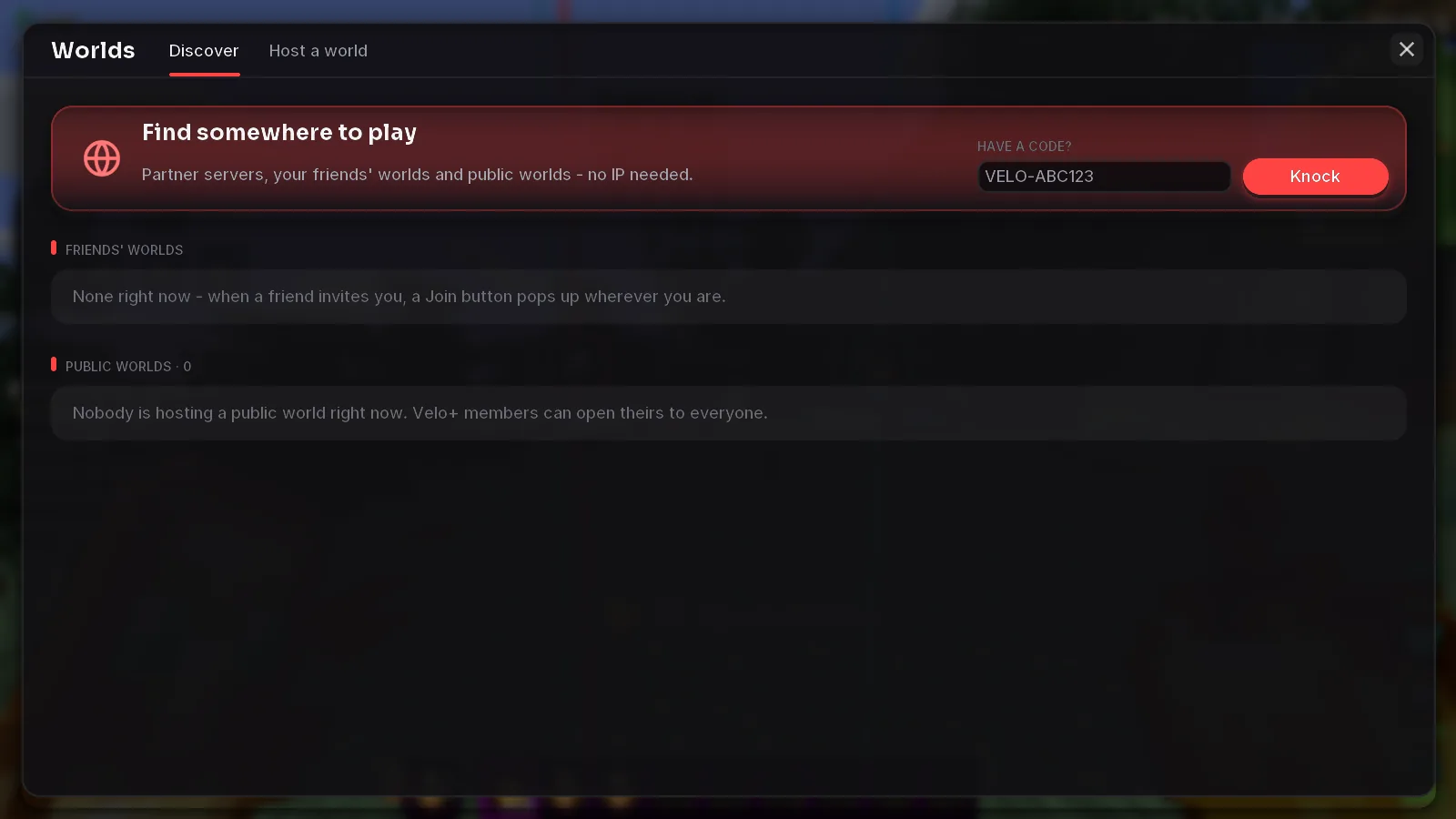
Host your world.
Keep your setup.
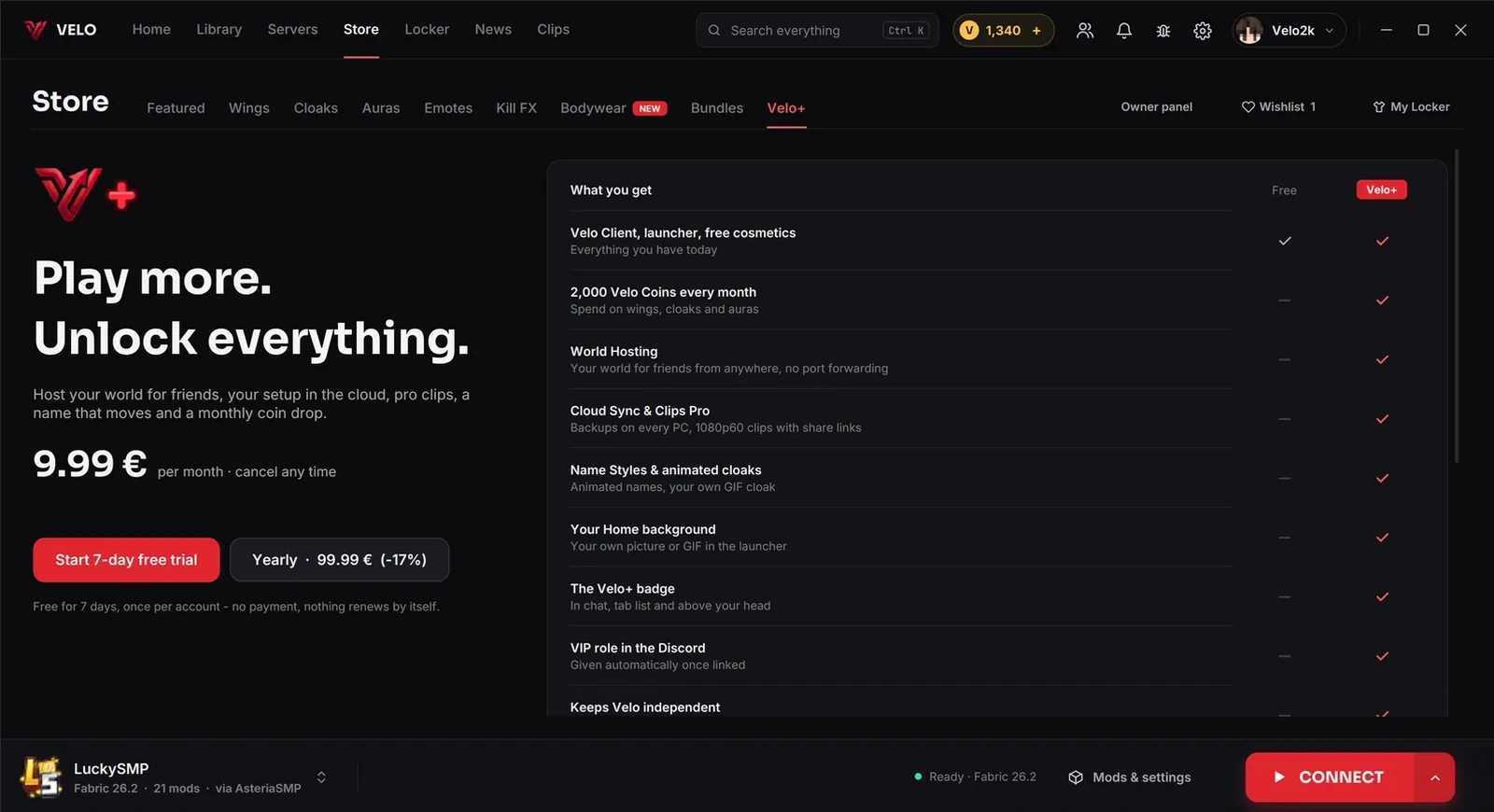
Den is free and stays free. Den+ adds the things that cost us servers to run, and keeps Den independent.
Free for 7 days, once per account. No payment details, nothing renews by itself.
What's new
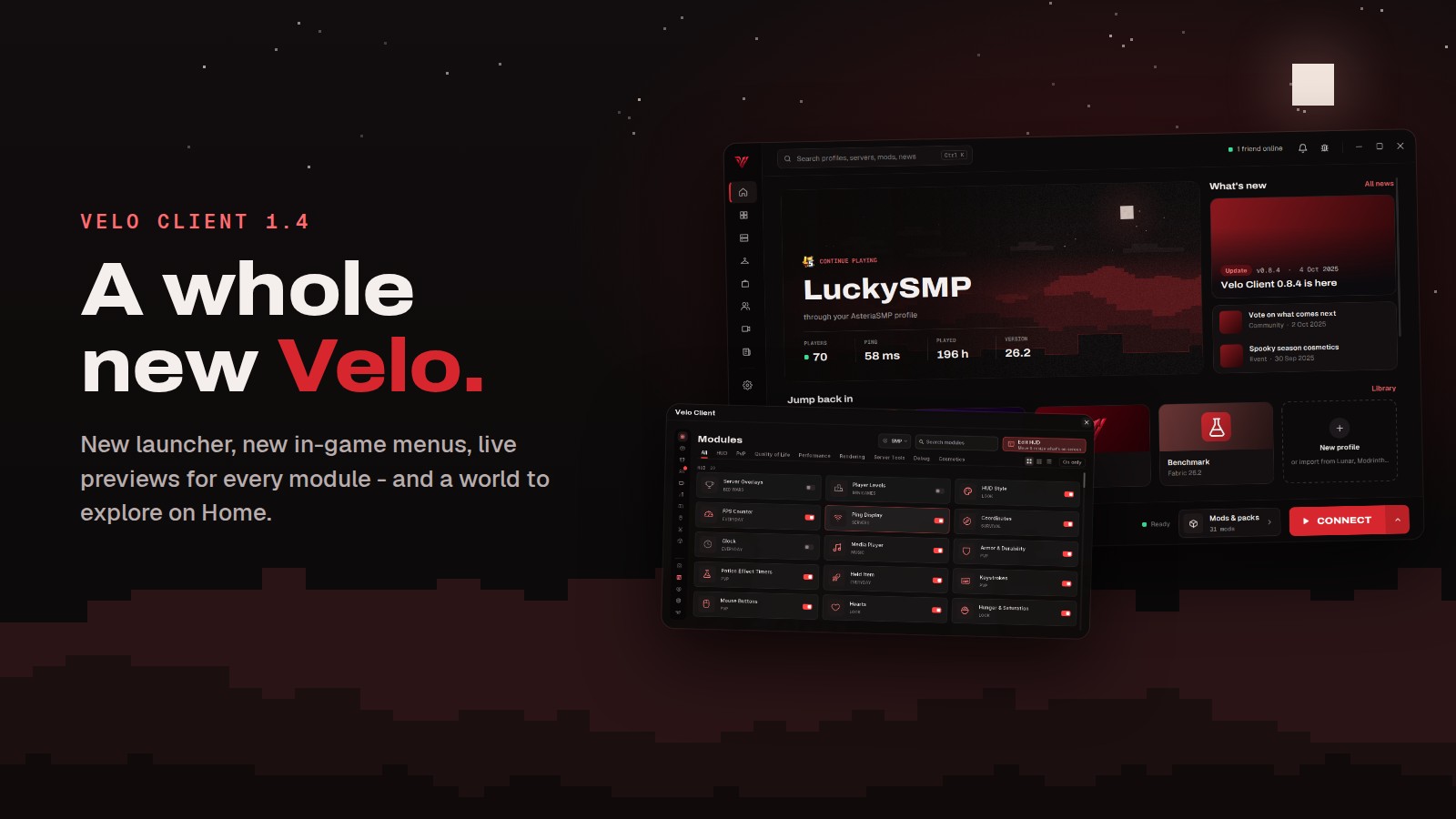 Den Client 1.4: a whole new DenA new launcher design, new in-game menus with live previews for every module, and Den World - a game to explore right on your Home page.
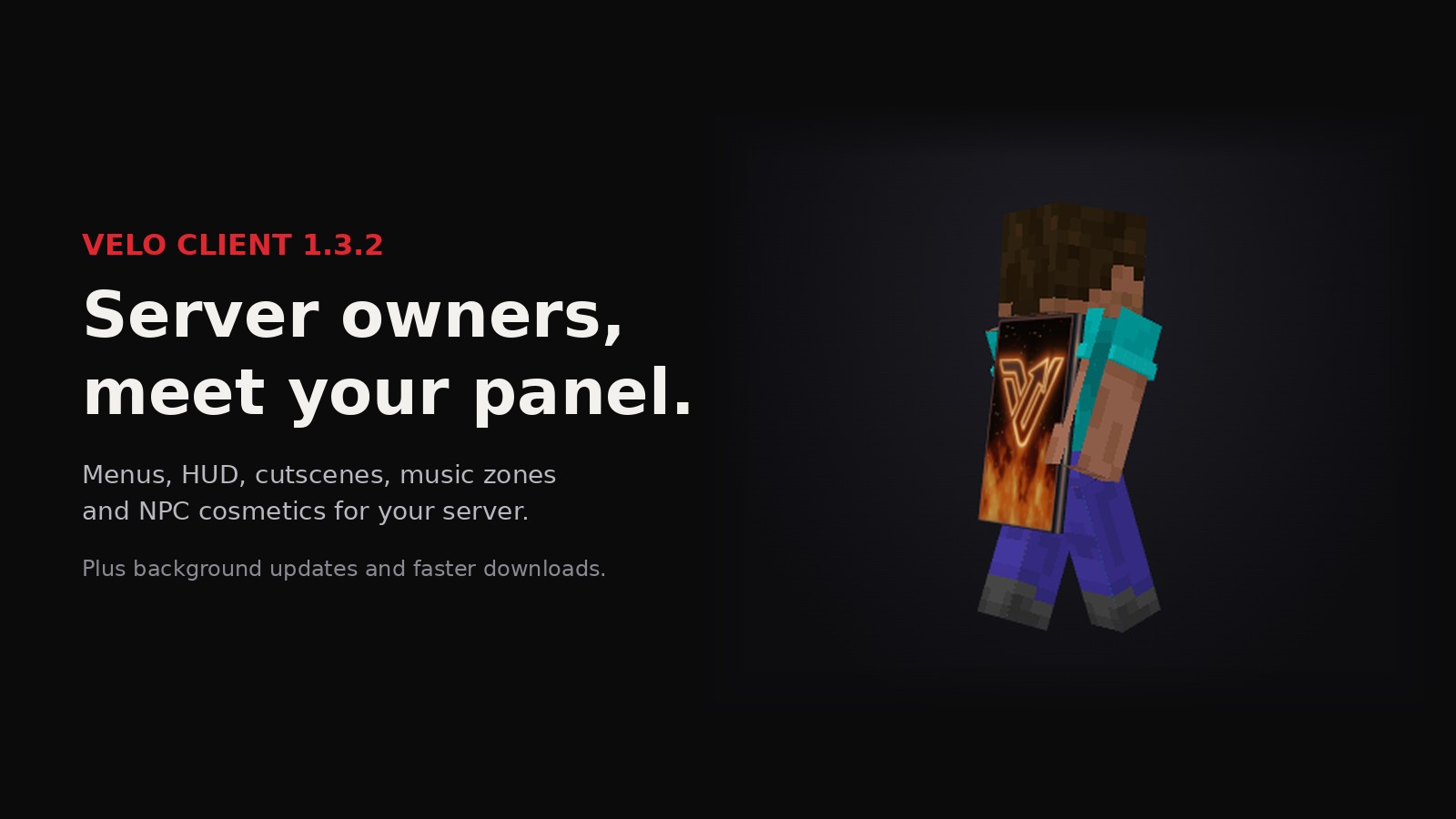 Den Client 1.3.2: the server owner updateAn owner panel for Den Bridge servers, real Den menus, HUD elements, cutscenes, music zones and NPC cosmetics - plus updates that install themselves.
 Den Client 1.3.1: exact exportExports that never lose a frame, names that really disappear, faster GPU encoding and a much easier way in for AI agents.
Questions,
answered.
Is Den Client free?
Yes. The launcher, the client and all 119 modules are free. Den+ and Store cosmetics are optional and never needed to play.
Which Minecraft versions does Den Client support?
Minecraft Java Edition 1.21.1 – 26.3 · 1.8.9 on Fabric. The launcher installs the right build for every profile.
Can I keep my own mods?
Yes. Every profile is a normal Fabric instance: add mods from Modrinth inside the launcher or drop in your own jars. The Den mod also works in any other Fabric launcher.
Is Den Client allowed on servers?
The client is made for normal play on any server. Always follow the rules of the server you join.
Can I move over from Lunar Client, Modrinth or CurseForge?
Yes. The launcher finds your existing Lunar, Modrinth and CurseForge setups and imports their mods, settings and servers in a few clicks.
What is Den+?
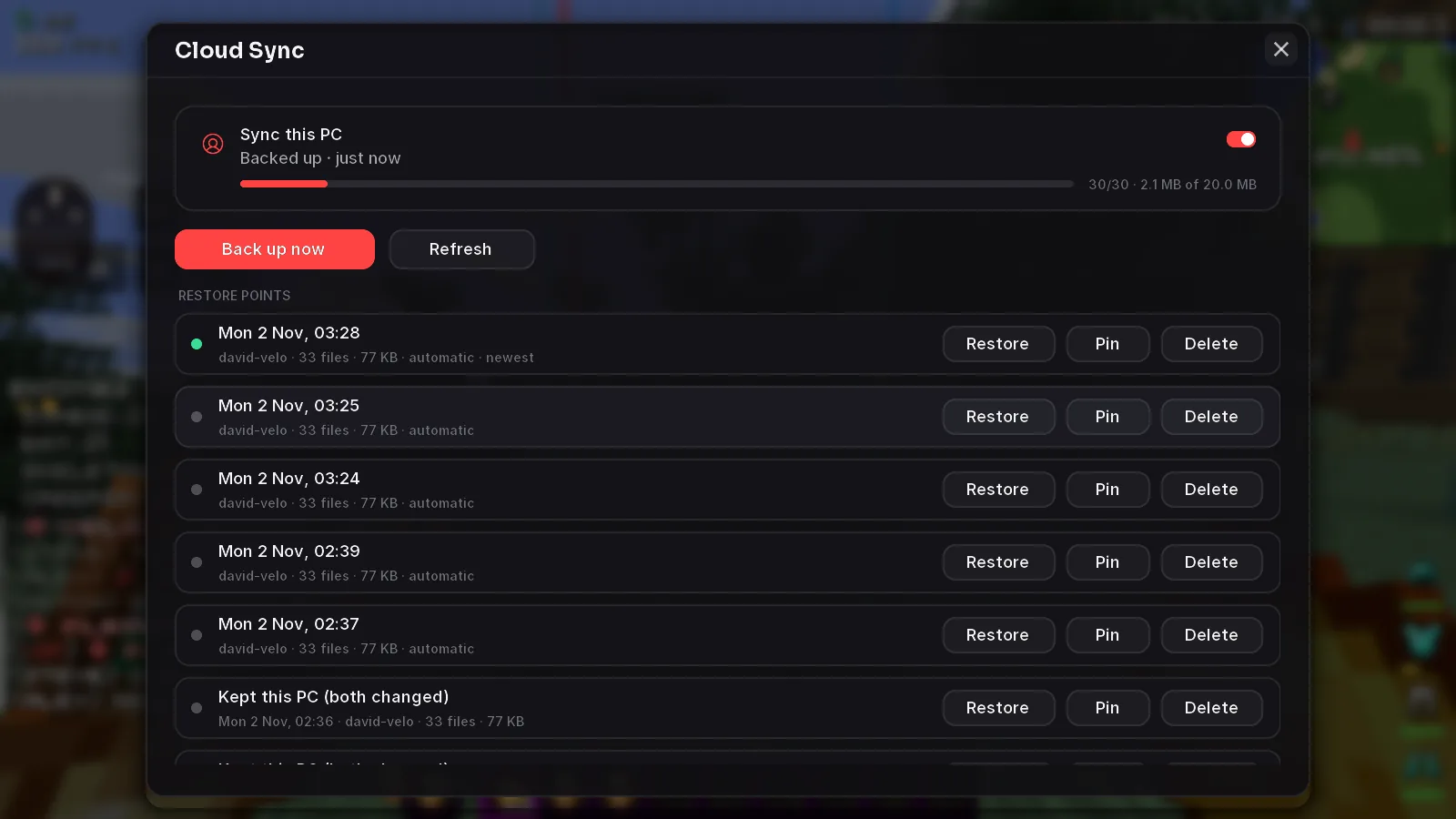
An optional monthly subscription: World Hosting for your friends, Cloud Sync with restore points, Clips Pro (1080p60 replay buffer, share links in 1080p60 for 60 days), picture and whiteboard World Notes, animated Name Styles, animated custom cloaks, 2,000 Den Coins every month, the + badge and the VIP role on Discord. Cancel any time.
How do I get Den Coins?
Earn them free from daily rewards, quests and inviting friends, get them every month with Den+, or buy a coin pack.
Does Den Client run on Mac?
The launcher is available for Windows and Linux. On macOS you can use the Den mod jars in any Fabric launcher.